
Warning: Undefined array key "newSite" in /home/digitaldepotco/wmc/wp-content/themes/C4/template-course-detail.php on line 159
YouTube for content creators in a day: beginners
Course Overview
Get started creating video content with YouTube in this practical one-day beginner course. Learn how to film, edit and publish videos while understanding how the platform works for sharing and engagement.
You will explore key features such as channels, uploads, thumbnails and basic editing approaches. The course also introduces how YouTube is used in creative industries, business promotion and content creation careers.
Teaching is hands-on and easy to follow, helping you build confidence quickly. Ideal for beginners, this course provides a strong foundation in video content creation at WM College in Camden, London.
Location: Crowndale Road, Camden
Who is this course for and what will I learn?
This course is for adults aged 19+ who want to create video content on YouTube. It is suitable if you:
- Are new to video creation or online content
- Want to share ideas, projects or creative work
- Are interested in content creation or digital media
- Want to promote a business or personal brand
No previous experience is required. This course is designed for beginners and introduces video content creation step by step. Basic computer or smartphone skills are helpful. Your tutor will guide you through the process clearly and support your learning throughout.
On this course, you will learn how to:
- Set up and manage a YouTube channel
- Plan and create simple video content
- Film using basic equipment or a smartphone
- Edit videos using simple tools
- Upload and manage videos on YouTube
- Understand how viewers discover and engage with content
- Are new to video creation or online content
- Want to share ideas, projects or creative work
- Are interested in content creation or digital media
- Want to promote a business or personal brand
No previous experience is required. This course is designed for beginners and introduces video content creation step by step. Basic computer or smartphone skills are helpful. Your tutor will guide you through the process clearly and support your learning throughout.
On this course, you will learn how to:
- Set up and manage a YouTube channel
- Plan and create simple video content
- Film using basic equipment or a smartphone
- Edit videos using simple tools
- Upload and manage videos on YouTube
- Understand how viewers discover and engage with content
How will I learn?
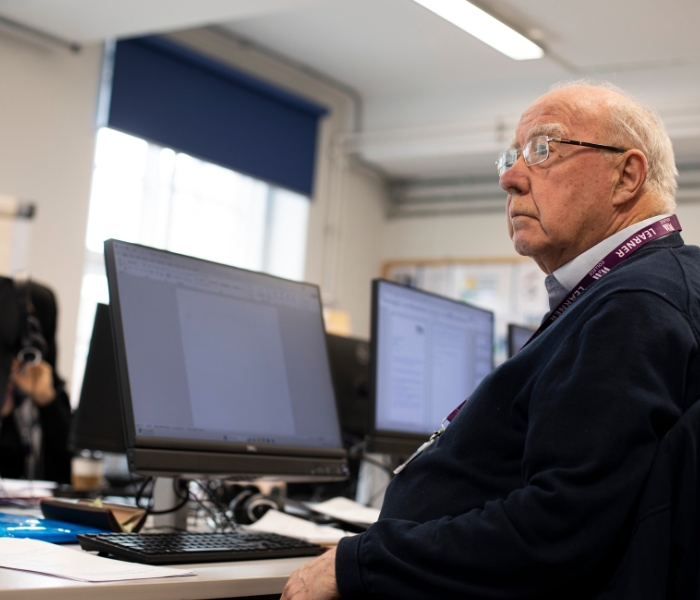
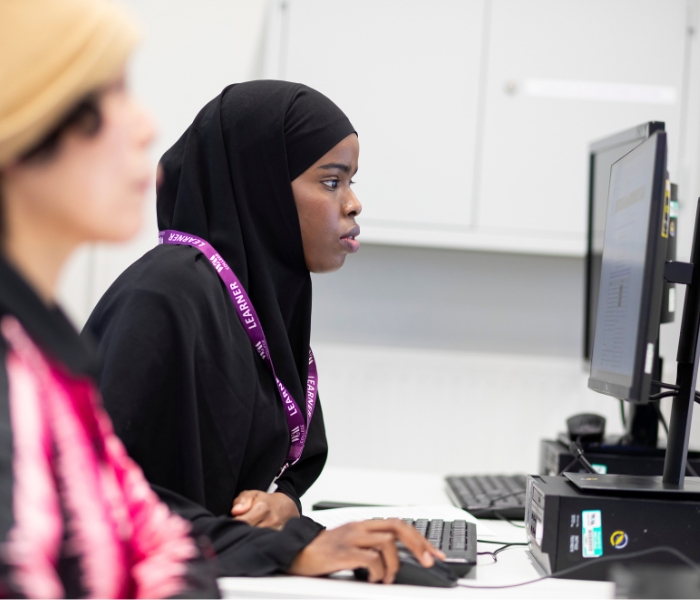
You will learn through practical, hands-on sessions at WM College in Camden, London. This one-day course includes demonstrations, guided exercises and short creative tasks. You will work on simple video ideas and receive support from your tutor. Small class sizes allow for individual guidance and feedback.
You do not need to bring specialist equipment. WM College provides computers and access to editing tools during the session.
You may wish to bring your own smartphone if you would like to film content during the course. A notebook may also be helpful for planning ideas. No preparation is required before attending.
YouTube is free to use. Any optional tools or apps will be explained by your tutor, but these are not required to complete the course.
You do not need to bring specialist equipment. WM College provides computers and access to editing tools during the session.
You may wish to bring your own smartphone if you would like to film content during the course. A notebook may also be helpful for planning ideas. No preparation is required before attending.
YouTube is free to use. Any optional tools or apps will be explained by your tutor, but these are not required to complete the course.
Warning: Undefined array key "isSummerSchool" in /home/digitaldepotco/wmc/wp-content/themes/C4/template-course-detail.php on line 991
Assessment and next steps
There is no formal assessment for this course. You will complete practical activities and receive feedback from your tutor during the session.
This supportive approach helps you build confidence in creating video content without pressure. A certificate of completion can be provided on request.
By the end of the course, you will:
- Gain confidence creating video content
- Understand how YouTube works
- Develop basic filming and editing skills
- Be able to upload and manage videos
There is no required work outside class. You may choose to continue creating videos after the course. Your tutor will suggest ways to develop your content and build your skills independently.
After completing this course, you can progress to further video production and content creation courses at WM College, including Adobe Premiere Pro, DaVinci Resolve or AI tools for film and video production.
You may also combine your skills with social media and digital marketing courses to develop a stronger online presence. YouTube plays a key role in creative industries, content creation and marketing, making it a valuable platform for both personal and professional development.
WM College offers advice and guidance to help you continue your progression into digital media and creative pathways.
This supportive approach helps you build confidence in creating video content without pressure. A certificate of completion can be provided on request.
By the end of the course, you will:
- Gain confidence creating video content
- Understand how YouTube works
- Develop basic filming and editing skills
- Be able to upload and manage videos
There is no required work outside class. You may choose to continue creating videos after the course. Your tutor will suggest ways to develop your content and build your skills independently.
After completing this course, you can progress to further video production and content creation courses at WM College, including Adobe Premiere Pro, DaVinci Resolve or AI tools for film and video production.
You may also combine your skills with social media and digital marketing courses to develop a stronger online presence. YouTube plays a key role in creative industries, content creation and marketing, making it a valuable platform for both personal and professional development.
WM College offers advice and guidance to help you continue your progression into digital media and creative pathways.
What additional support can I get?
You may be eligible for fee reductions or one of our bursaries, please check the Information and Advice section of our website to find out more.
Teachers are supported to ensure their materials are inclusive to meet learners’ needs. Provision of assistive equipment is available and access support can be provided through reasonable adjustments, subject to an interview with the ALS team and/or the Disability Officer. Digital Learning support is available in the Learning Centre.
We offer free support with finding a job, including 1-1 support with job applications, creating a CV or improving your interview skills, as well as advice about progression opportunities. Visit the website for more information or to book an appointment with our Employability Coach.
There are regular cross-college events, external speaker visits, exhibitions, and opportunities for you to get involved in college life. Look out for adverts around the college, iLearn or sign up to Our Newsletter via the website.
Teachers are supported to ensure their materials are inclusive to meet learners’ needs. Provision of assistive equipment is available and access support can be provided through reasonable adjustments, subject to an interview with the ALS team and/or the Disability Officer. Digital Learning support is available in the Learning Centre.
We offer free support with finding a job, including 1-1 support with job applications, creating a CV or improving your interview skills, as well as advice about progression opportunities. Visit the website for more information or to book an appointment with our Employability Coach.
There are regular cross-college events, external speaker visits, exhibitions, and opportunities for you to get involved in college life. Look out for adverts around the college, iLearn or sign up to Our Newsletter via the website.

Related Courses